Documentation
Send Desktop Notifications
Notify your users when a long running command finishes
On this page
Introduction#
Long running commands are usually started and then forgotten about. Laravel Zero provides a notify method that lets your command tap the user on the shoulder when the work is done, using their operating system's native notification center. There is no component to install.
Sending Notifications#
The notify method accepts a title, a body, and an optional path to an icon:
$this->notify('Hello Web Artisan', 'Love beautiful..', 'icon.png');
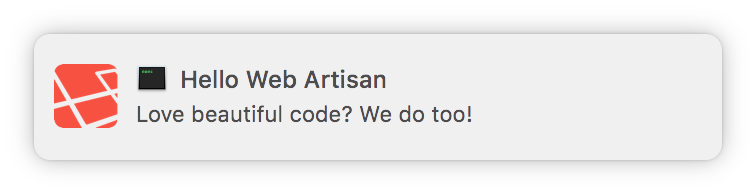
The code above will generate the following notification on your desktop:
Platform Notes#
On macOS, displaying an icon requires the terminal-notifier command line tool. It may be installed via Homebrew:
brew install terminal-notifier
Note: Behind the scenes, the
notifymethod uses thenunomaduro/laravel-desktop-notifierpackage, which is included with every Laravel Zero application.
Spotted a mistake? Edit this page on GitHub.