Documentation
Run Tasks
Report the progress of long running operations to your users
On this page
Introduction#
Console applications spend most of their time performing operations, and the people using them want to know how those operations went. The task method, available on every Laravel Zero command, prints the description of a task and then appends a success or failure indicator once the task has finished.
Running Tasks#
The task method accepts a description and a closure containing the work to be performed:
$this->task('Fetching the movies', function () {
    $this->movies->fetch();
});

$this->task('Storing the movies', function () {
    $this->movies->store();
});
While the closure runs, the description is displayed alongside a "loading..." indicator. Once the closure returns, the line is rewritten with the outcome of the task:
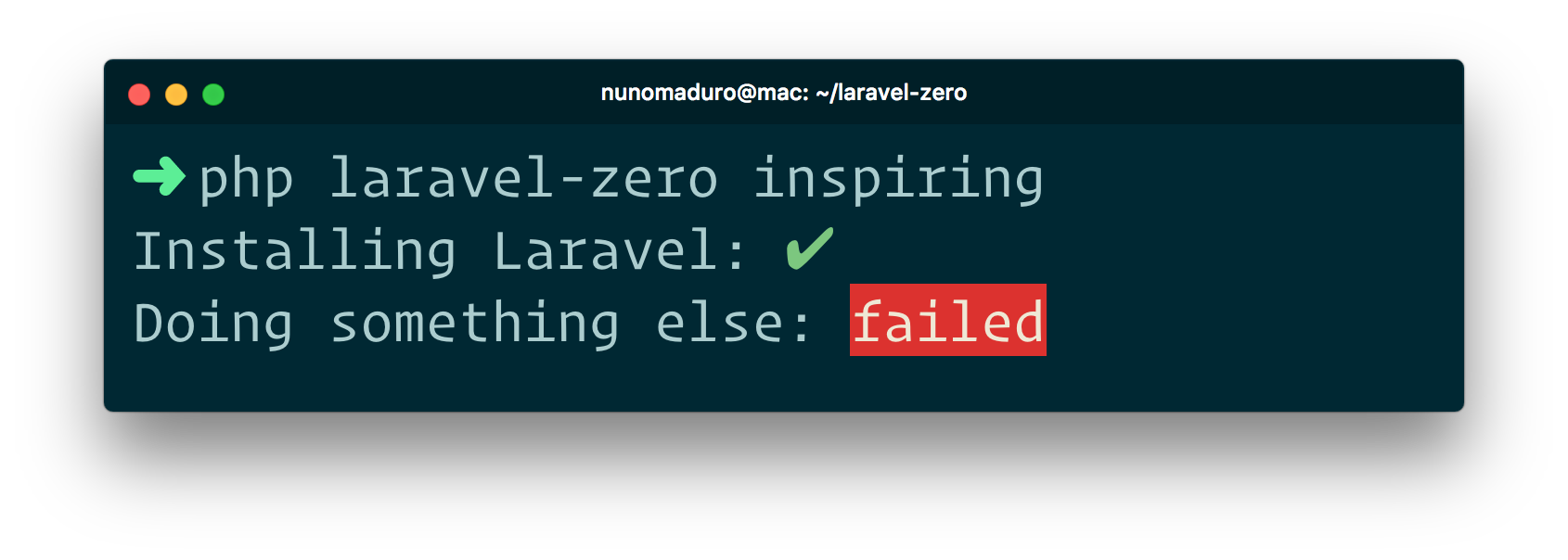
You may customize the text shown while the task is running by passing a third argument:
$this->task('Fetching the movies', fn () => $this->movies->fetch(), 'please wait...');
Failing Tasks#
A task is considered successful unless its closure explicitly returns false. This allows you to report the outcome of an operation without throwing an exception:
$this->task('Checking the connection', function () {
    return $this->movies->reachable();
});
The task method itself returns a boolean indicating the result, so you may branch on it:
if (! $this->task('Checking the connection', fn () => $this->movies->reachable())) {
    return 1;
}
Note: If the closure throws an exception, the task is marked as failed and the exception is re-thrown, so it will be reported by Collision as usual.
Note: Behind the scenes, the
taskmethod is provided by thenunomaduro/laravel-console-taskpackage, which is included with every Laravel Zero application.
Spotted a mistake? Edit this page on GitHub.